

Decide what you want to know
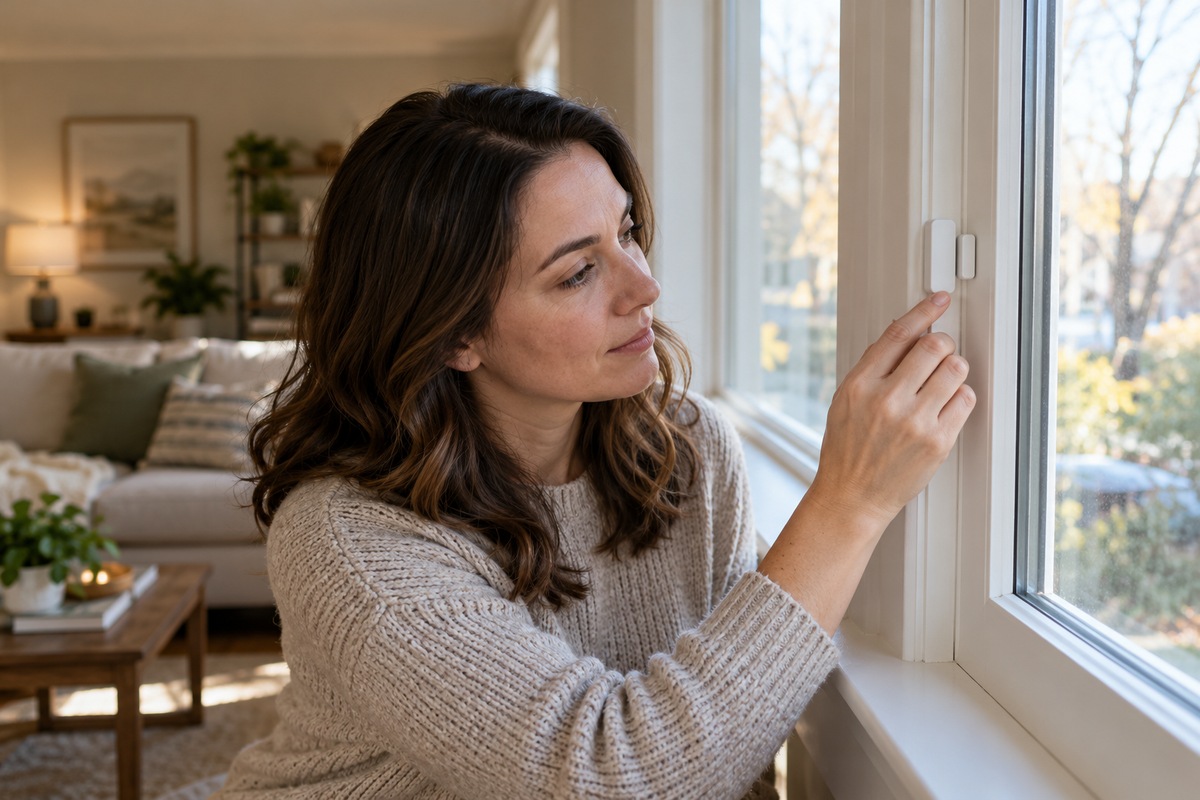
A door or window sensor can report that an opening has changed state. Its usefulness depends on what happens after that report. Do you want an audible chime while you are home, a phone notification when you are away, or integration with a professionally monitored system? These are different needs. Start with a clear question rather than buying a large set immediately. A sensor does not reinforce a frame or replace a suitable lock. It is one layer alongside maintained doors, windows, lighting, and household routines.
Understand the system’s dependencies
Some sensors work with a local sounder; others require a hub, home network, app, or subscription. Read what happens during a power failure, internet outage, or low battery. Verify whether notifications depend on a phone setting that could silence them. Ask whether the system reports a missing sensor or simply stops receiving information. A device described as smart does not automatically contact emergency services. Clarify monitoring arrangements, fees, response procedures, and cancellation terms before assuming that another person will receive or act on every alert.
Install within the stated limits
Follow the manufacturer’s instructions for placement, spacing, mounting surface, and operating conditions. A contact sensor may depend on accurate alignment between two pieces. Check whether adhesive, screws, or another approved method suits the surface and whether permission is needed in a rental. Do not drill into wiring, glazing, or unknown materials. If installation is beyond your ability, use qualified help. Keep doors and windows usable for their intended purpose, including emergency escape. Do not disable fire-safety hardware or add obstructions in pursuit of another type of security.
Agree on a household response
Discuss what an alert means and what everyone should do. A chime may simply indicate a household member arriving, and frequent unexplained alerts can lead people to ignore the system. Identify who receives notifications and how you will verify ordinary activity without confronting someone outside. If an alert suggests an immediate threat, seek appropriate help from a safer place. Do not use the system to monitor another adult secretly. For households with children or vulnerable occupants, involve appropriate caregivers in a plan that respects privacy and does not replace supervision.
Protect accounts and shared access
Use a strong, unique account password and enable multifactor authentication when available. Review who has access, especially after a move, relationship change, or service visit. Keep the device and app updated using the manufacturer’s process. Understand what information is stored, who can view it, and how long it remains available. Prefer features you will actually use over unnecessary data collection. Avoid posting screenshots that reveal the household’s routines or security arrangement. If account access is uncertain, resolve it before relying on remote notifications.
Test the whole chain
Open and close each protected entry during a planned test and confirm the expected local and remote notifications. Check the named location so a bedroom window does not appear as the back door. Test with the household informed and follow any monitoring provider’s required procedure. Inspect batteries and mounting regularly, especially after cleaning, decorating, or repairs. Keep a record of problems and fix recurring false alerts. The goal is a dependable, understandable alert process that fits the home, rather than a collection of sensors nobody trusts.
Further reading: Police.uk: Door security; U.S. Fire Administration: Prepare for fire.
Account security guidance: CISA: Five steps to protecting your digital home.